
A simpler, more capable website editor, and Waiv on mobile
The website editor gets a fresh start with an AI assistant, built-in design settings and image search. Waiv also becomes fully usable on mobile.
The website editor, simpler and more capable
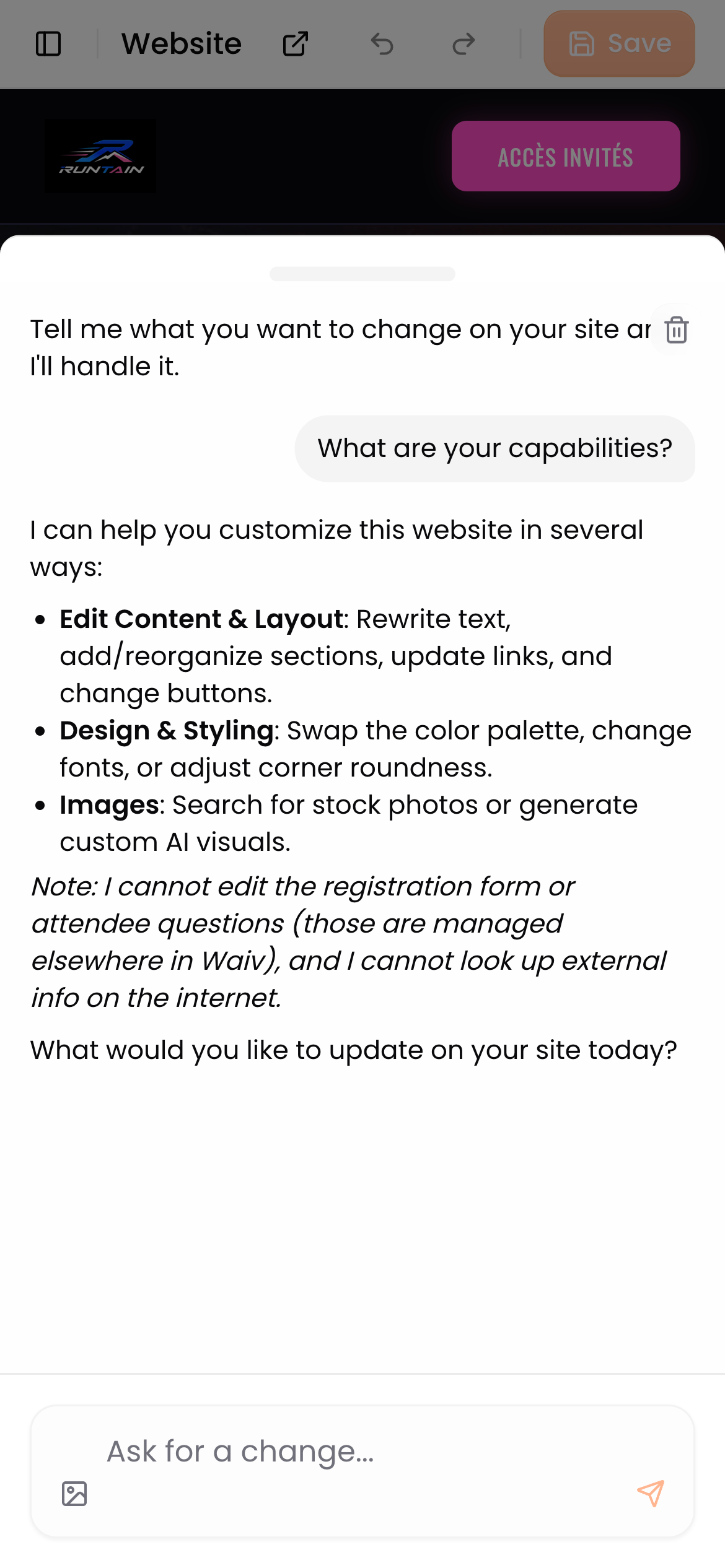
We rebuilt the website editor around what matters: your page front and center, and an AI assistant that applies your requests right before your eyes.
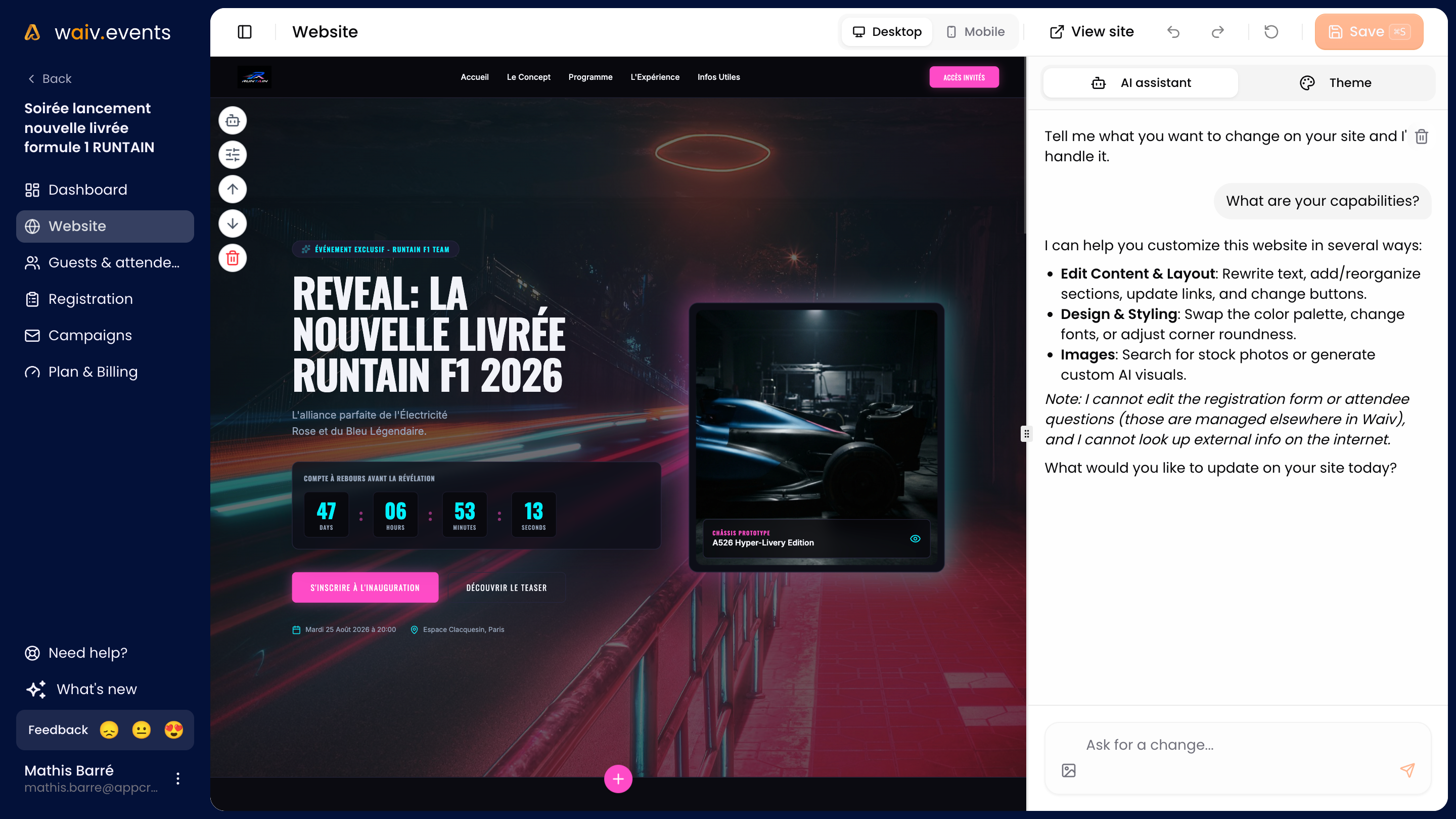
- A built-in AI assistant. Describe the change you want and it edits your site directly, one section or the whole page.
- Manual editing, still there and nicer to use. On desktop, click any element in the preview to edit it yourself. We reworked this direct editing to make it simpler and smoother.
- Design settings in one place. Colors, corner radius and fonts now live inside the editor. The font picker renders each font in its own typeface, so you can choose at a glance.
- Effortless text formatting. Bold, italic, links and lists are edited visually, just like in a word processor.
- Images found in seconds. The image field offers ten formats suited to each spot, plus built-in Unsplash search.
- Icons in your language. Icon search now understands all six Waiv languages.
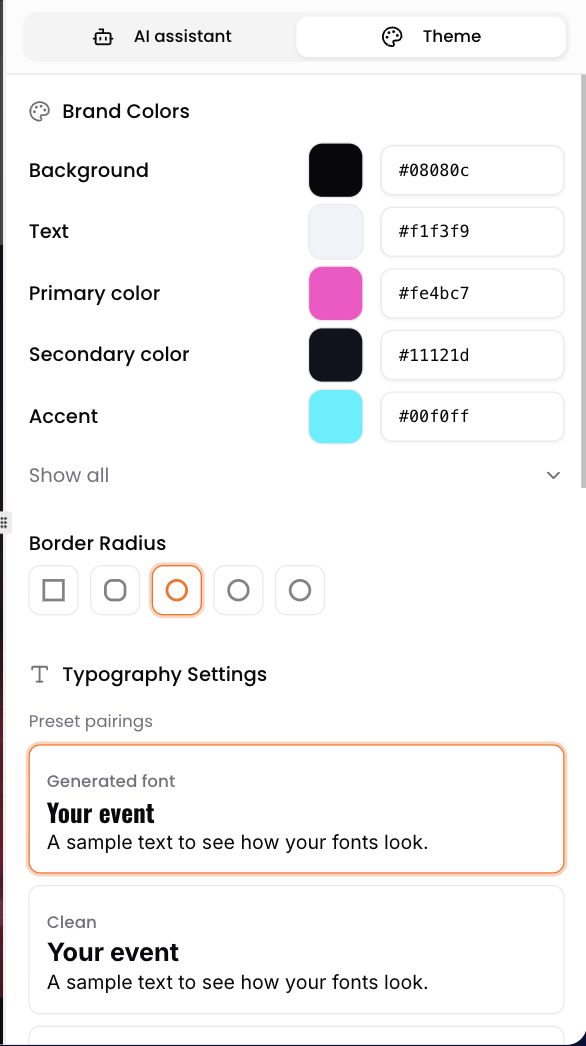
And if your site generation runs into trouble, no need to start over: simply retry it, your event stays accessible in the meantime.
Help and feedback, right in the app
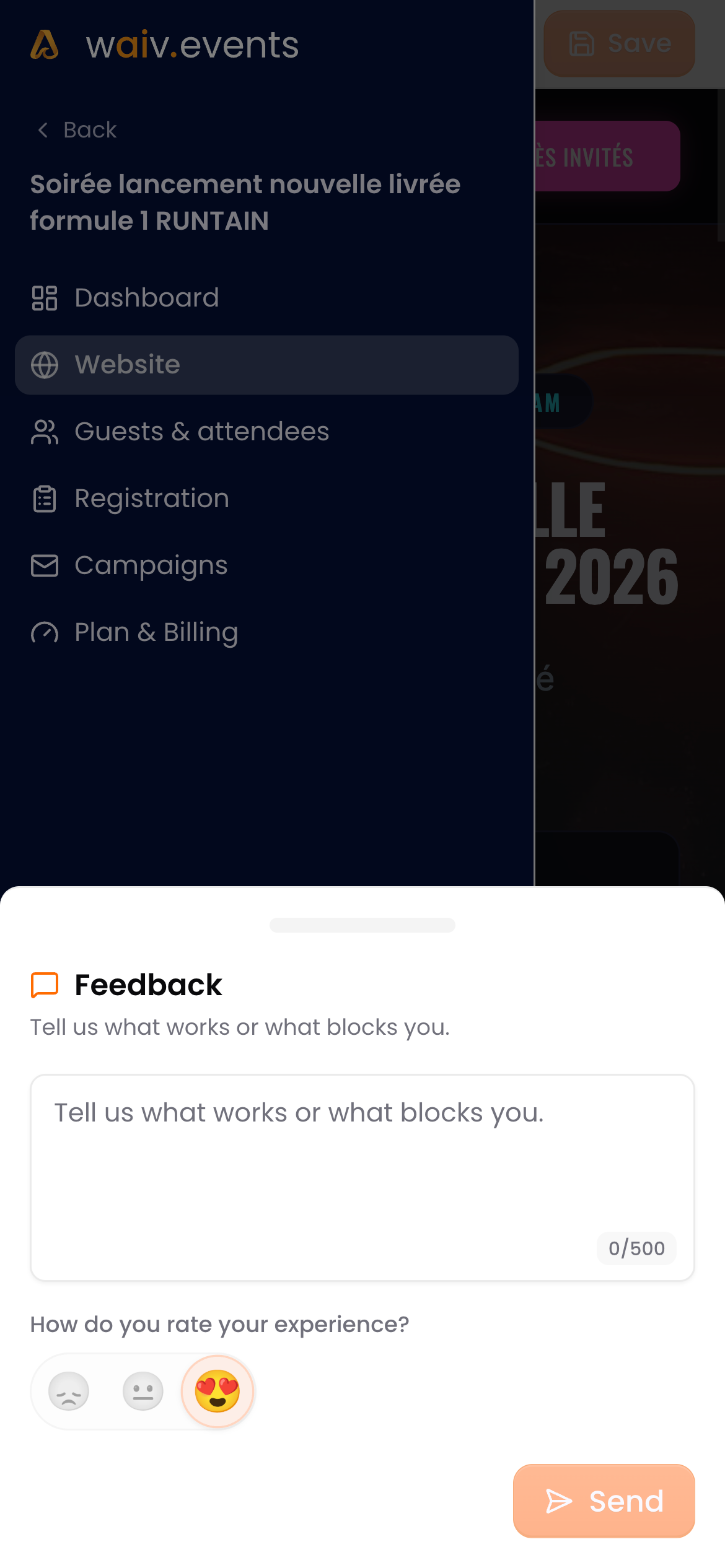
A question, an issue, an idea? A new button in the sidebar lets you write to us directly from Waiv, without leaving your work.
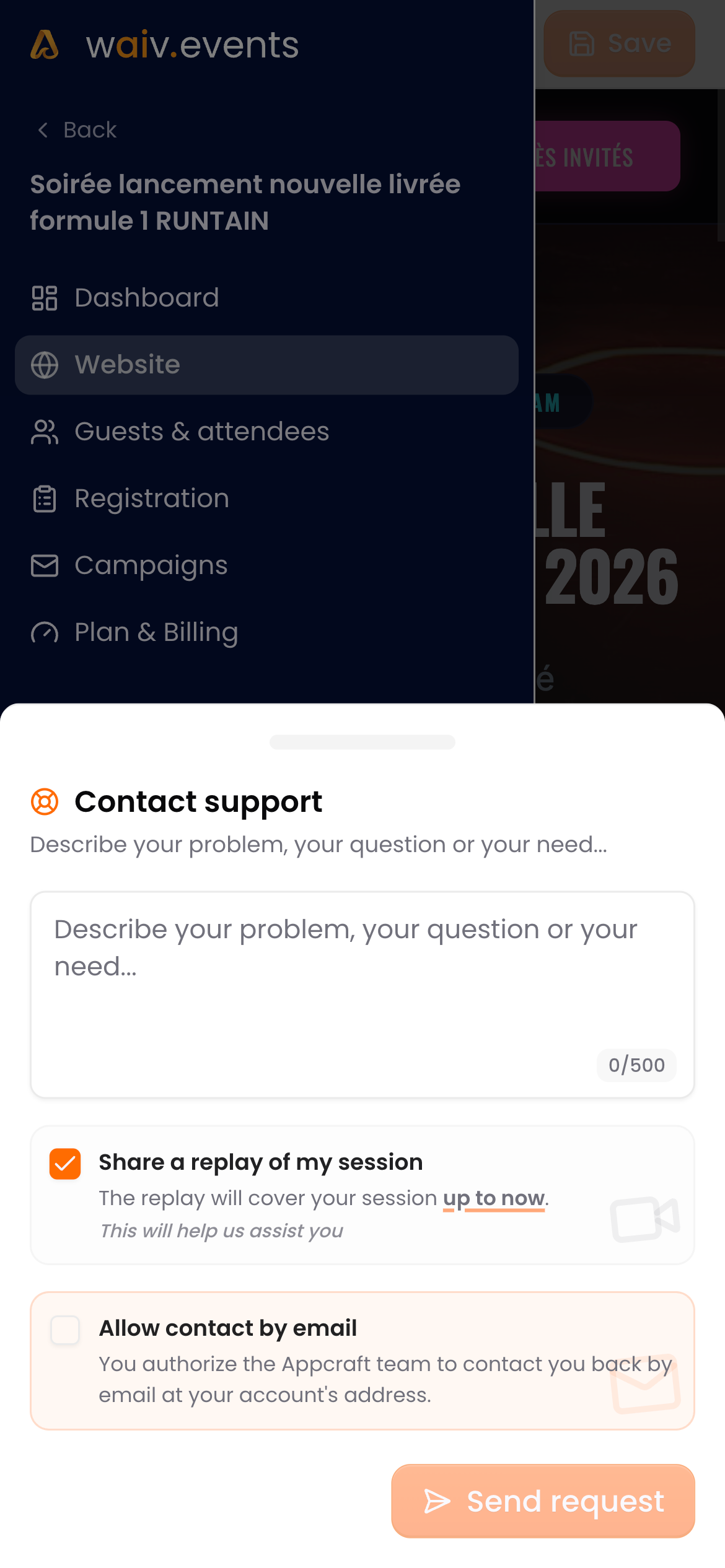
For support requests, you can attach a replay of your session and allow an email reply: our team sees what you see and gets back to you faster.
Waiv on mobile
Waiv is now fully usable on your phone. Check your websites, emails and registration forms wherever you are, and edit them with the AI assistant, one tap away.
A brand new changelog
You are looking at it! This page gathers every Waiv update, release after release, with a direct link from the login screen.